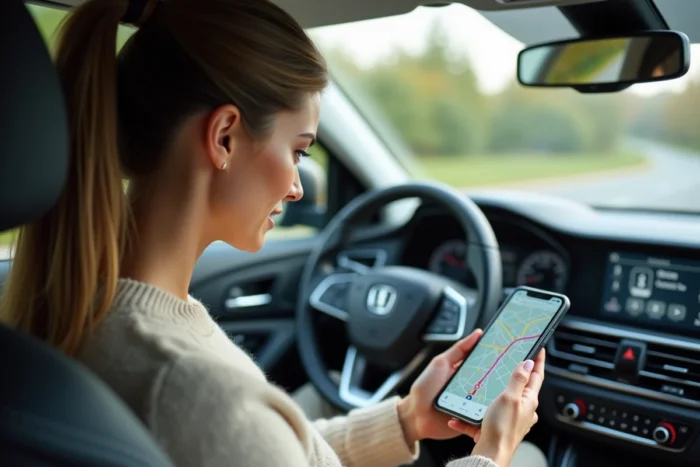
ViaMichelin is not limited to route calculation before departure. The app includes a GPS navigation mode with voice guidance and real-time traffic, making it a mobility tool usable during the journey. Sending your location with Michelin relies on this ability to accurately locate the user while on the road and then transmit this location to a third party.
Position sharing function on ViaMichelin: what the app actually transmits
When we talk about sharing your location via ViaMichelin, we need to distinguish between two cases. The first concerns sending an identified point of interest (restaurant, gas station, hotel listed in the Michelin Guide) visible on the map during navigation. The second concerns the raw GPS position, the vehicle’s coordinates at a given moment.
The app displays gas stations, rest areas, accommodations, and restaurants from the Michelin Guide directly on the route map during navigation. This overlay allows sharing not just a simple coordinate, but a contextualized location with a name and address.
The routes and addresses viewed on ViaMichelin can be sent to a smartphone from the web version or shared via the phone’s native functions (SMS, messaging, email). A detailed guide explains how to send your location with Michelin by using these different methods depending on the device used.
Sending your GPS location with Michelin from the mobile app: concrete steps
The procedure differs slightly between iOS and Android, but the principle remains the same. During active navigation, the screen displays your position in real-time on the ViaMichelin map.
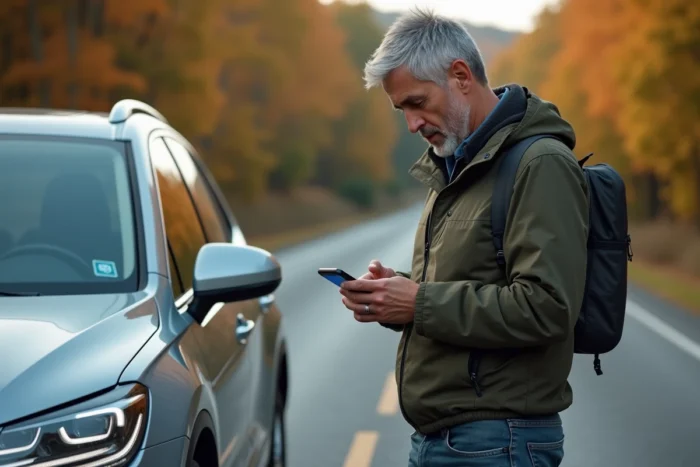
To transmit your location to a contact, the most direct method uses the sharing functions of the operating system:
- On the ViaMichelin map, tap on your position or on a nearby point of interest (station, restaurant, rest area). A detailed card opens with the address and coordinates of the location.
- Use the native sharing button (arrow icon on iOS, three dots on Android) to send the link or coordinates via SMS, WhatsApp, email, or any other installed messaging app.
- If you are sharing a complete route rather than a single point, the app generates a link that the recipient can open in their own browser or in the ViaMichelin app.
The recipient then receives a clickable link that opens the ViaMichelin map centered on the shared position or location. No installation is required on their side to view the link via a web browser.
ViaMichelin position sharing vs Google Maps: practical differences
Google Maps offers continuous real-time position sharing, where the recipient sees the vehicle’s movement on their own map for a chosen duration. ViaMichelin works differently: the sharing transmits a fixed position or a specific location, not live tracking.
This distinction has concrete consequences. If you want to indicate to someone where you are at a given moment (for a meeting, a breakdown, a planned stop), ViaMichelin perfectly fulfills this function. If you need your contact to follow your progress continuously throughout the journey, real-time geolocation apps like Google Maps or dedicated tools like Strava Beacon are more suitable.
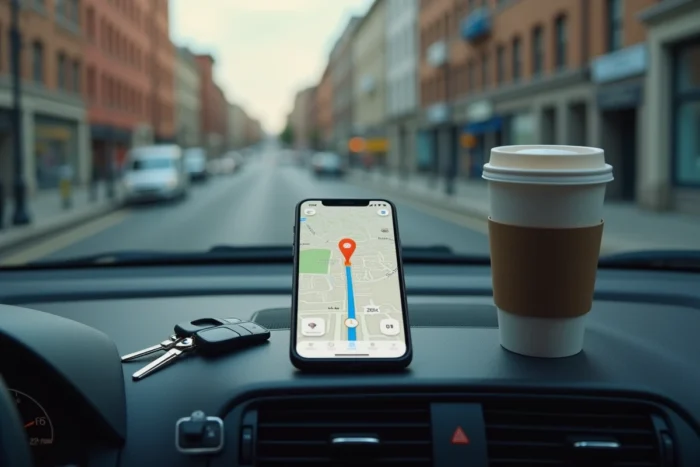
The advantage of ViaMichelin lies in the richness of the information shared. A link sent from the app can include the name of the starred restaurant where you plan to stop, the cheapest gas station on your route, or the hotel booked for the night. These are contextual data from the Michelin Guide that Google Maps does not provide with the same level of curation.
Precautions on shared geolocation during the journey
Sharing your position, even temporarily, involves transmitting personal data. The CNIL regularly reminds us that geolocation is sensitive data. Before sending your position to a third party, ensure that the shared link does not contain more information than necessary.
ViaMichelin uses location data for navigation and displaying nearby services. The app settings allow you to control when the GPS is active:
- On iOS, you can limit location access to “While using the app,” which stops tracking as soon as you close ViaMichelin.
- On Android, the equivalent setting is found in the app permissions, under “Location.”
- Disable automatic position sharing in the settings if you only want to transmit your location on demand, manually.
The link generated when sharing a point of interest or a position does not create persistent tracking. Once sent, it corresponds to a snapshot: the recipient sees where you were at the time of sending, not where you are afterward.
For regular trips where multiple people need to know your progress (carpooling, delivery), combining ViaMichelin for route calculation and travel costs with a real-time sharing app remains the most comprehensive setup. ViaMichelin excels in planning and context, while continuous geolocation tools take over for dynamic tracking.